
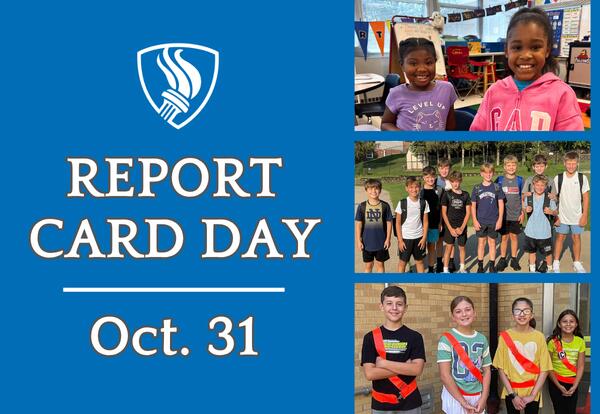
First-quarter student report cards will be available in the Infinite Campus Parent Portal on Friday, October 31, at 3 p.m. Please follow the steps outlined below.
How to Access Student Report Cards
- Log in to your Infinite Campus Parent Portal.
- Select Documents in your Message Center
- Click 25-26 School Name under Report Card, and a pop-up window displaying your student’s report card will open in a new browser. If you cannot view your student’s report card, please ensure pop-up windows are enabled in your web browser.
Please call your school office if you need assistance accessing your Parent Portal.
