 Appointment Sign-Ups for Parent-Teacher Conferences Close November 19

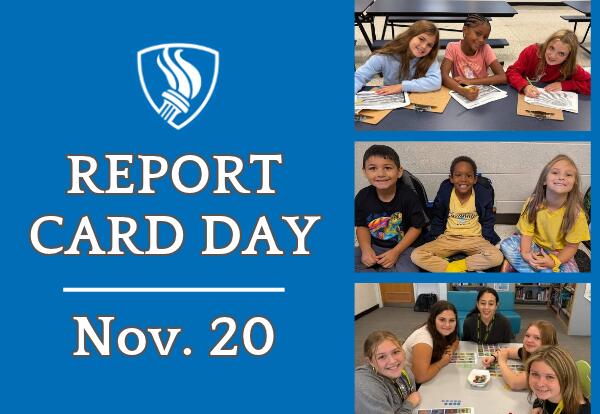
First-trimester report cards will be available on Friday, November 20. Families will receive them directly through ParentSquare and can also view them in their Infinite Campus Parent Portal.
How to Access Student Report Cards in Infinite Campus:
- Log in to your Infinite Campus Parent Portal.
- Select Documents in the menu.
- Click 26-27 School Name under Report Card; a pop-up window displaying your student’s report card will open in a new browser window. If you cannot view your student’s report card, please ensure pop-up windows are enabled in your web browser.
If you need assistance accessing your portal or viewing grades, please contact your school office.
